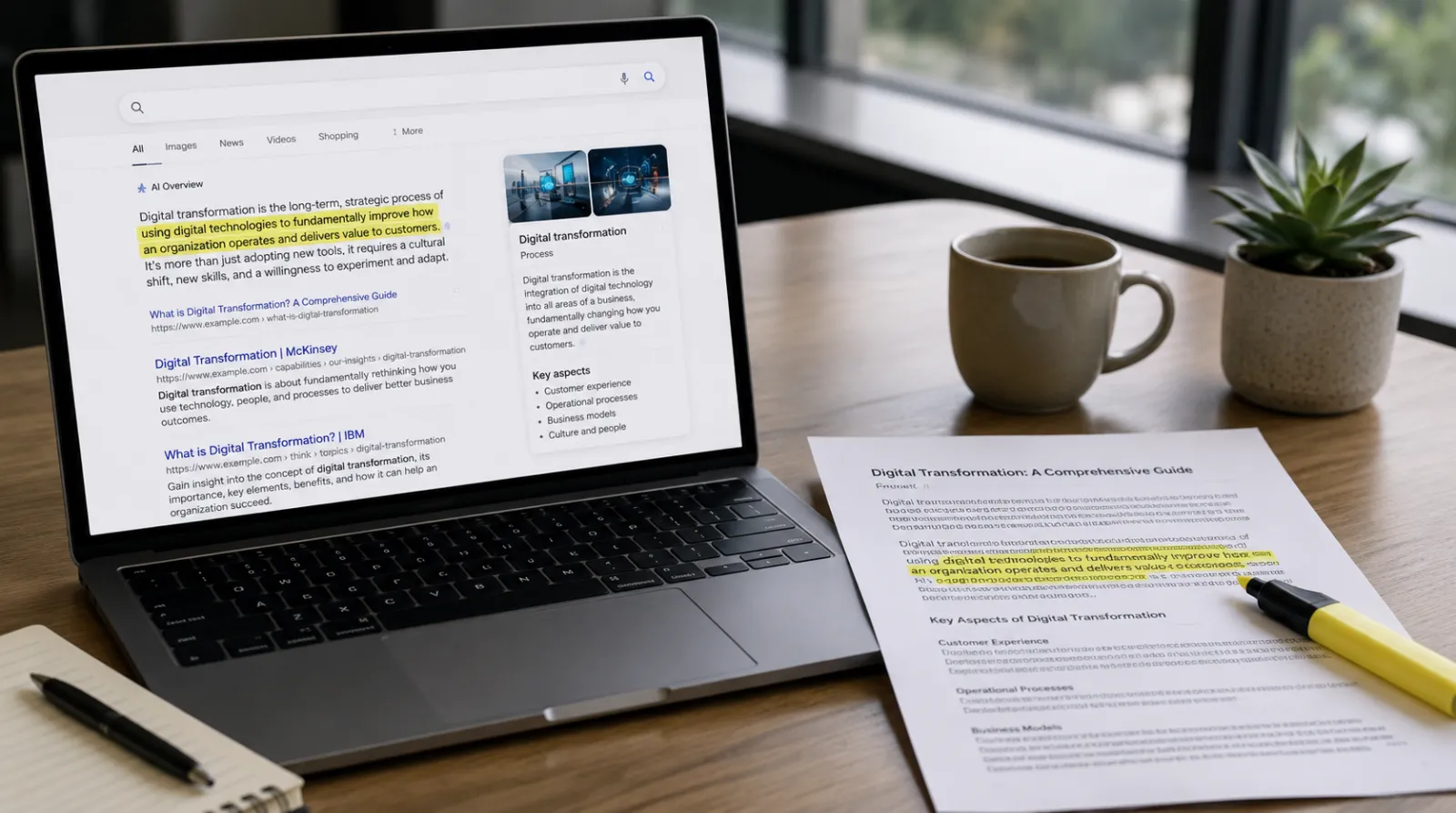
Checking whether AI systems can read your site takes about 20 minutes and needs no tools beyond a browser. You are verifying four things: that robots.txt does not block the search crawlers, that your content exists in the HTML rather than only after JavaScript runs, that pages load fast enough to be fetched, and that nothing important sits behind an interaction.
Plenty of businesses invest in content for AI search while quietly blocking the crawlers that would read it. It is the most common and most fixable problem in this area, and it usually dates back to a decision somebody made in 2023 and never revisited.
Here is the check, in order, with what to do about each result.
Check 1: Read Your Own robots.txt
Go to yourdomain.com/robots.txt. It is a plain text file and you can read it without being technical. You are looking for any Disallow rule attached to an AI user agent.
The distinction that matters in 2026 is between training crawlers and search crawlers:
- Training crawlers: GPTBot, ClaudeBot, Google-Extended. These collect data for model training. Blocking them keeps your content out of training sets and costs you little visibility.
- Search crawlers: OAI-SearchBot, Claude-SearchBot, PerplexityBot. These fetch pages to answer live questions with citations. Blocking these removes you from AI search results.
Most businesses want training blocked or allowed by preference, and search allowed without question. If your file blocks everything AI-shaped with one rule, that is the fix: separate the two.
Two caveats. Research suggests a majority of AI crawlers do not honour robots.txt, so treat it as a stated preference rather than enforcement. And blocking search crawlers today is close to what de-indexing from Google was five years ago.
Check 2: Is Your Content in the HTML?
Right-click your most important page and choose View Source, then search for a sentence you can see on the screen. If you find it, good. If the source is mostly script tags and empty containers, your content is being assembled by JavaScript in the browser.
Google renders JavaScript, though with delay. Many AI crawlers do not render at all, they read what the server sends. So a page that looks perfect to you can be effectively blank to them.
This is a development fix, usually server-side rendering or static generation, and it is not a small change on a site built the other way. Test your top ten pages before deciding how much it matters.
Check 3: What Is Hidden Behind an Interaction?
Content that only appears after a click, a hover, or an infinite scroll may not be read. Accordions are the common case: if the answer text exists in the HTML and CSS merely hides it, you are fine, and that is how a well-built FAQ accordion works. If the text is fetched only when someone clicks, it is invisible.
Same test as before. View source, search for the hidden text. Present in the source means readable. Absent means it does not exist as far as a crawler is concerned.
Also check anything gated: pricing behind a form, specifications behind a login, key content inside a PDF that is never linked. Gating is a business decision, but understand that gated content earns no citations.
Check 4: Speed and Server Behaviour
Crawlers give up. A page taking eight seconds may simply not be fetched. Run your key pages through PageSpeed Insights and look at the server response time in particular rather than the overall score.
Then check whether anything upstream is blocking crawlers you have allowed. Aggressive bot protection at the CDN or firewall level frequently blocks well-behaved crawlers by default, which produces the confusing situation where robots.txt allows a bot that never reaches the site. If you use a CDN with bot management, check its rules too.
What to Fix, in Order
Unblock the search crawlers first. It is a two-line change and it is the difference between eligible and invisible. Second, check bot protection at the CDN. Third, deal with JavaScript rendering on your most important pages if the source test failed. Fourth, speed.
Only after all four is it worth investing in content formatted for citation, which is covered in how to get cited by ChatGPT and AI Overviews. Writing excellent extractable content on a site nothing can fetch is the most expensive mistake in this area.
A Note on llms.txt
You will be told you need one. As of 2026 no major AI company has committed to reading llms.txt, and Google ignores it. It is a reasonable idea with no confirmed adoption.
Our own view: publish one if it is cheap, because it costs almost nothing and may matter later. We do, at /llms.txt, generated from the same data the site renders from so it cannot drift. But do it after the four checks above, not instead of them.
Frequently Asked Questions
How do I know which crawlers visited my site?
Server access logs, filtered by user agent. Your host or CDN can usually produce this, and it is the only definitive evidence of who is fetching your pages. If GPTBot and OAI-SearchBot never appear over a month, something is blocking them regardless of what robots.txt says.
Will blocking training crawlers hurt our AI visibility?
Much less than people fear, now that the crawlers are separated. Search crawlers fetch pages live to answer questions with citations, and those are the ones that matter for visibility. Blocking training while allowing search is a coherent position that most businesses can adopt without losing anything they would notice.
Our site is a single page app. How bad is this?
Potentially serious, and it depends on whether it renders on the server. Run the view-source test on your top pages. If your content is absent from the source, you are invisible to crawlers that do not execute JavaScript, which is many of them. Modern frameworks all support server rendering, so the fix exists, it is just work.
Does this apply to Google AI Overviews too?
AI Overviews are built on Google's regular index, so if Googlebot can crawl and render your pages you are eligible. Google-Extended is a separate control covering training, not overview eligibility. In practice, keeping Googlebot happy covers you for Overviews.
How often should we re-check?
Twice a year, and after any site redesign or hosting change. Redesigns are where blocked crawlers reappear, usually because a staging robots.txt shipped to production. That single mistake is common enough to be worth a diary reminder.
Want results like these for your brand?
Book a free 30-minute revenue audit with PA Digital Growthand we'll map your fastest path to growth.
Book a free audit